Case Studies
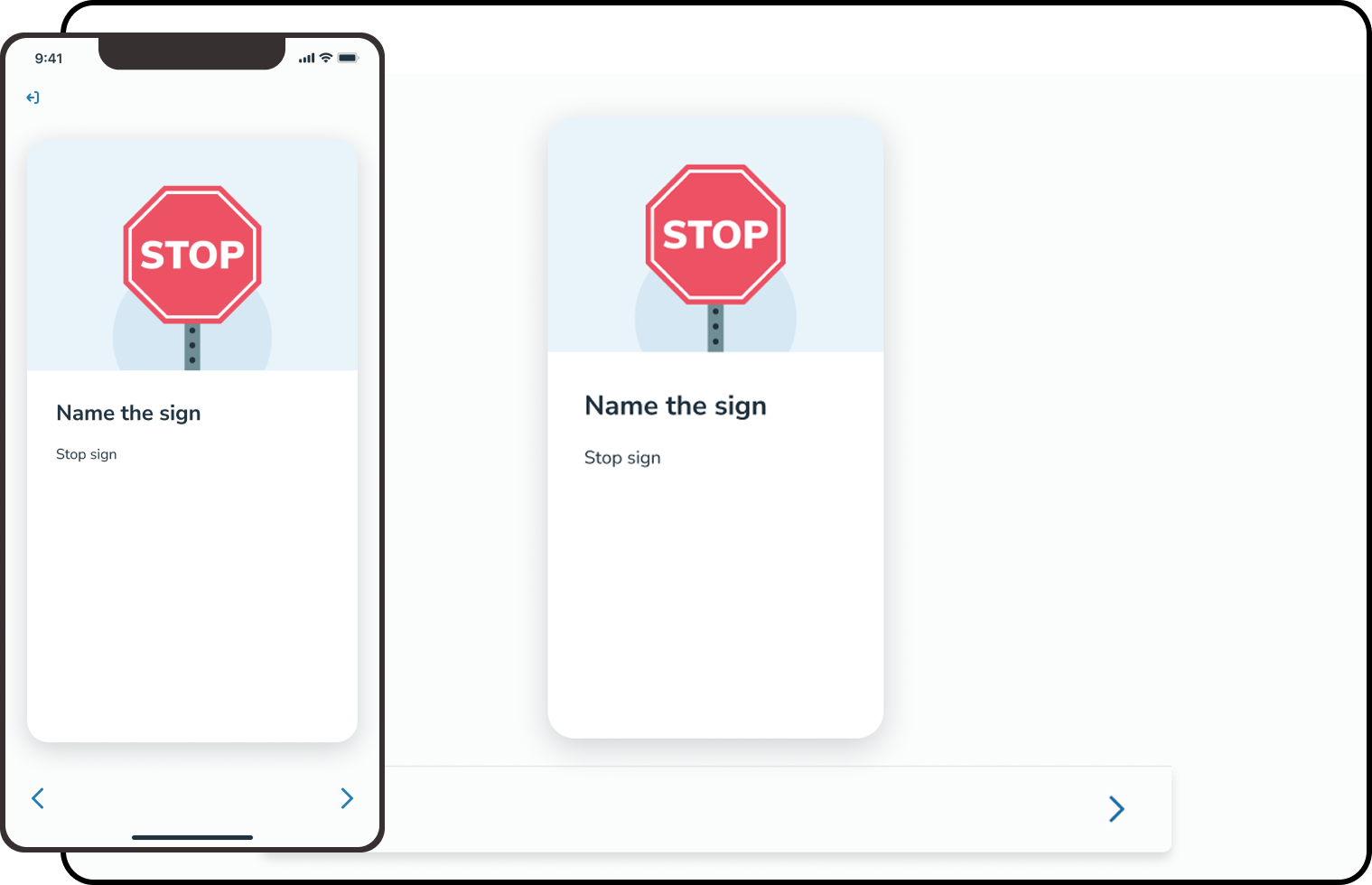
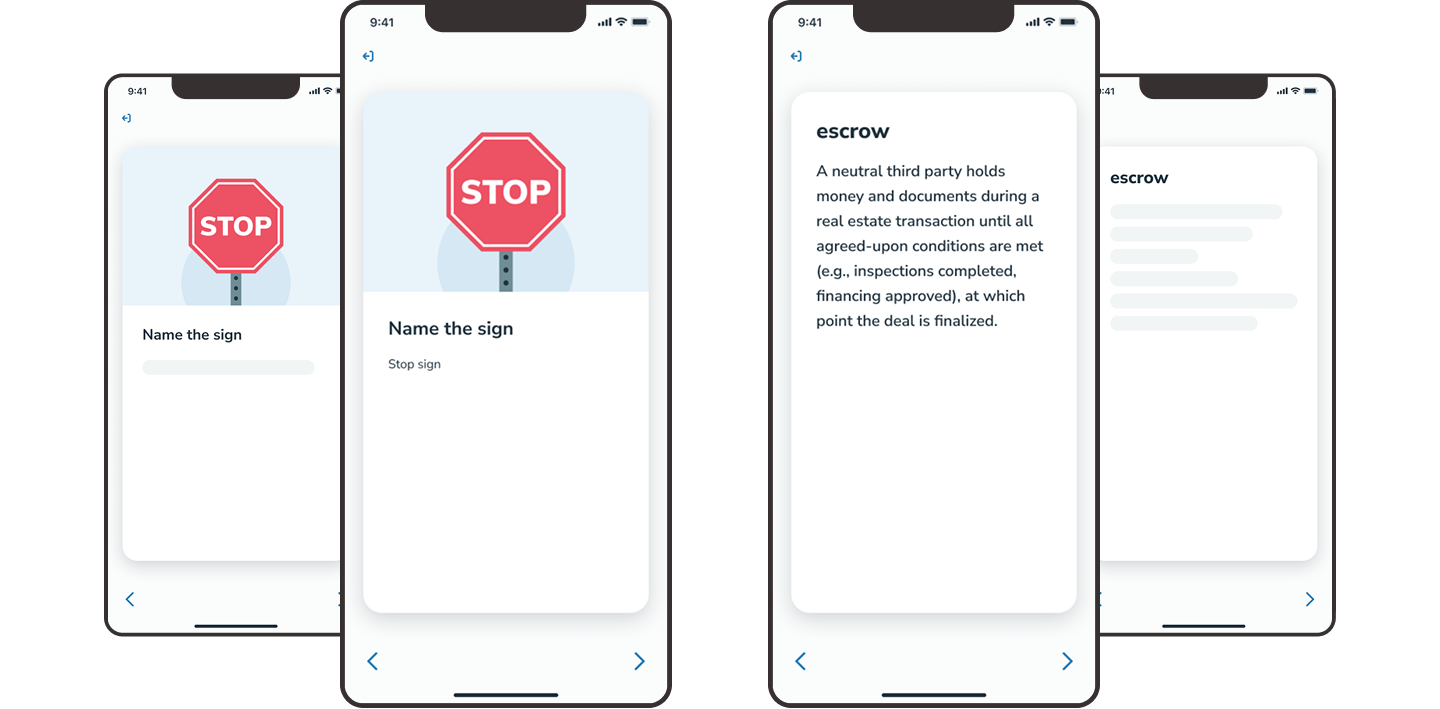
Case Study: Flashcards
From afterthought to Core Study Tool.
Looking for work!!
From afterthought to Core Study Tool.
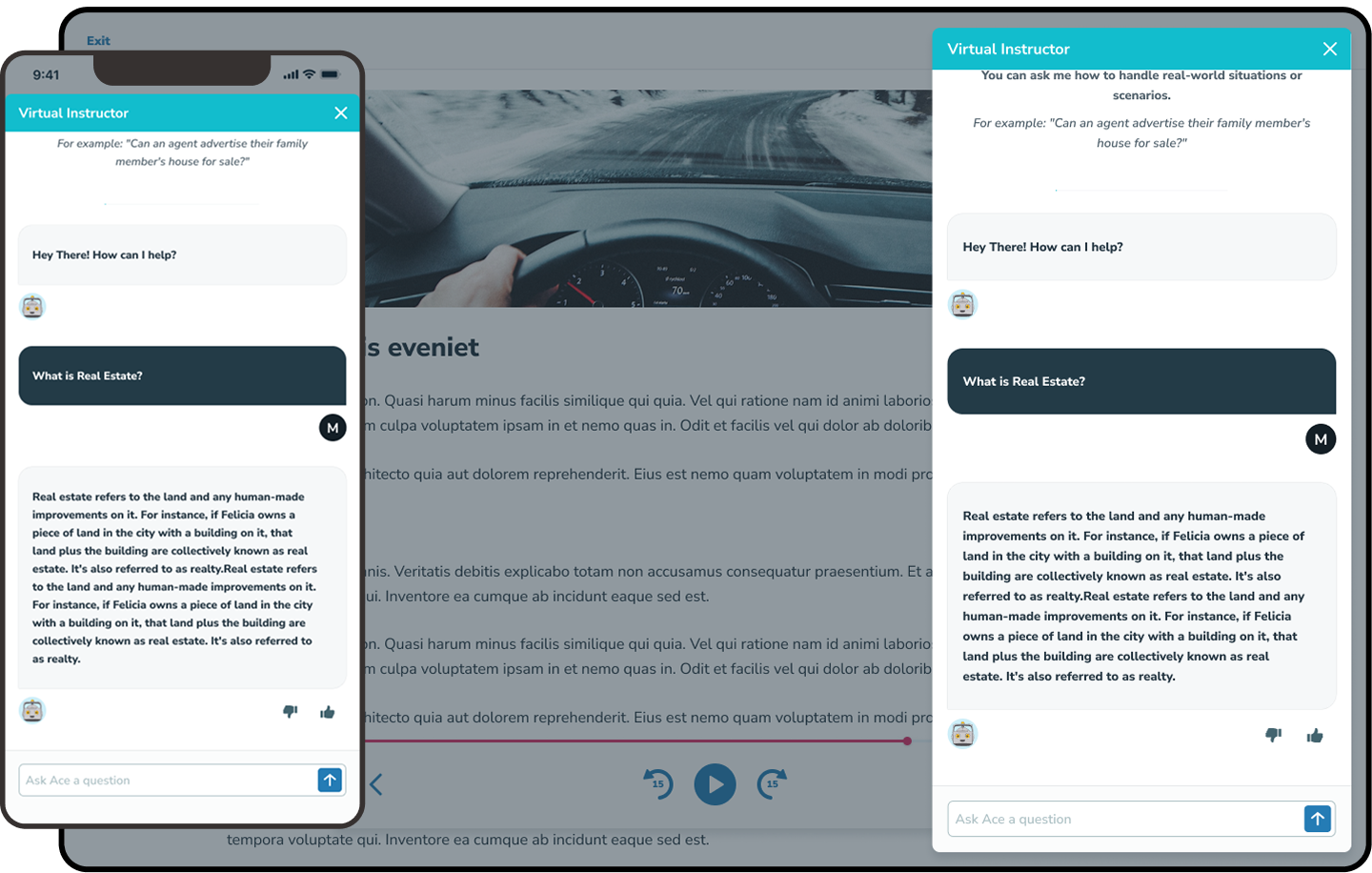
An AI-powered chatbot aimed at narrowing the divide between onlin and in-person classrooms.
Tools: Figma
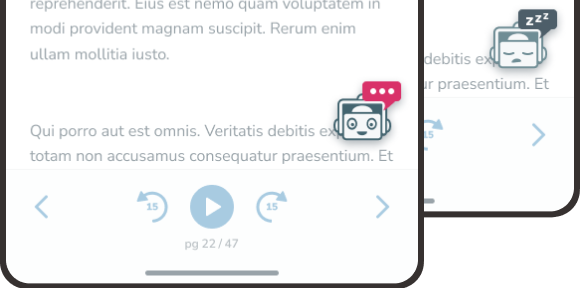
Floating button that gives students in-course access to the Virtual Instructor. Includes a friendly “sleep” state tied to a global kill switch, allowing the AI to be turned off without feeling broken or confusing.
Tools: Figma, Adobe Illustrator
I refreshed the original Aceable “Ace” mascot into a modern Virtual Instructor icon that launched our ChatGPT-powered help experience. Because the model could behave unpredictably, we built a global kill switch. I designed the disabled “sleeping” state so users understood the feature was temporarily unavailable rather than missing
Tools: Figma
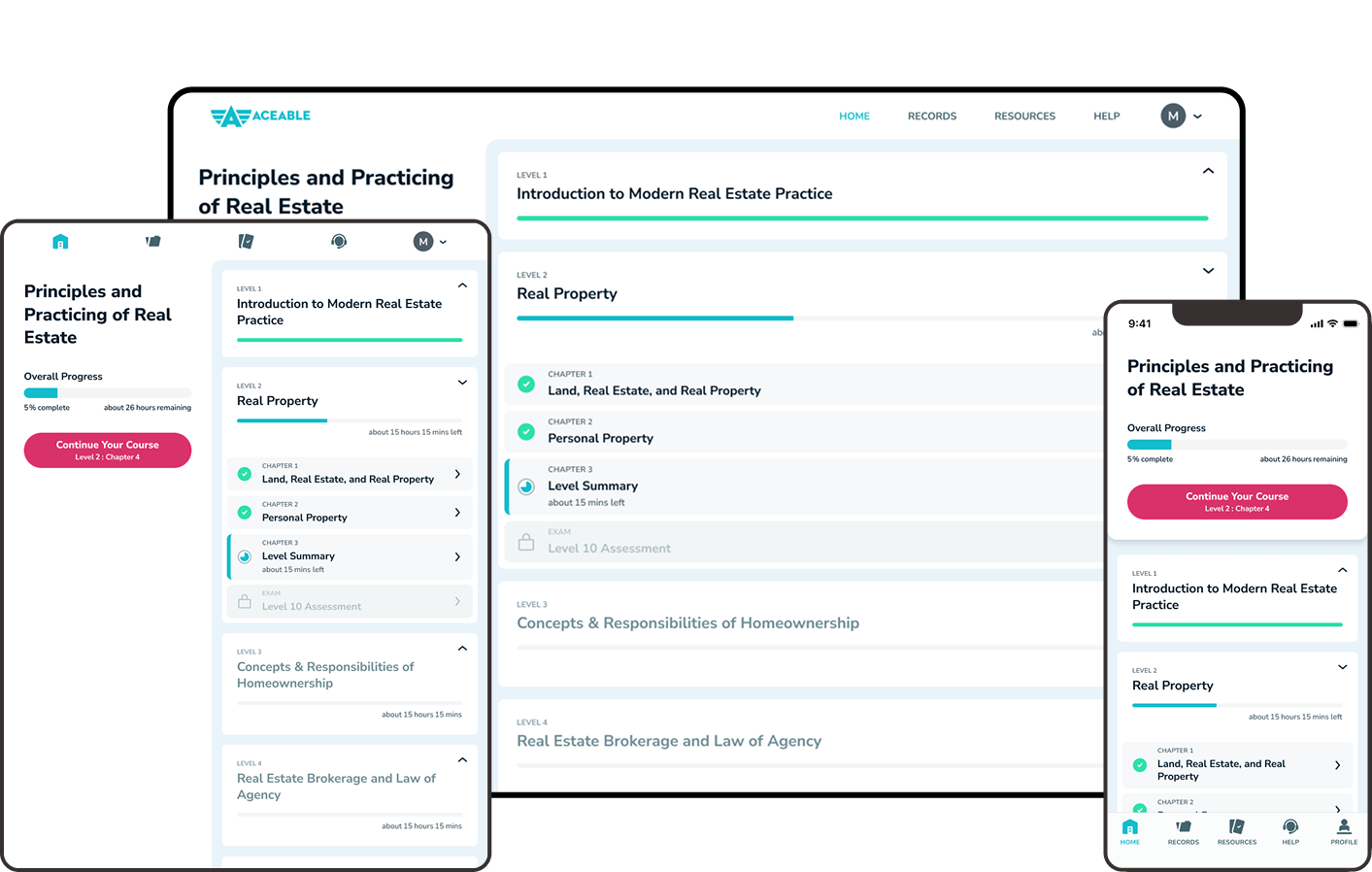
Responsive home screen for a student’s course, surfacing key at-a-glance information like progress, time estimates, and a quick “continue where you left off” button.
Tools: Figma
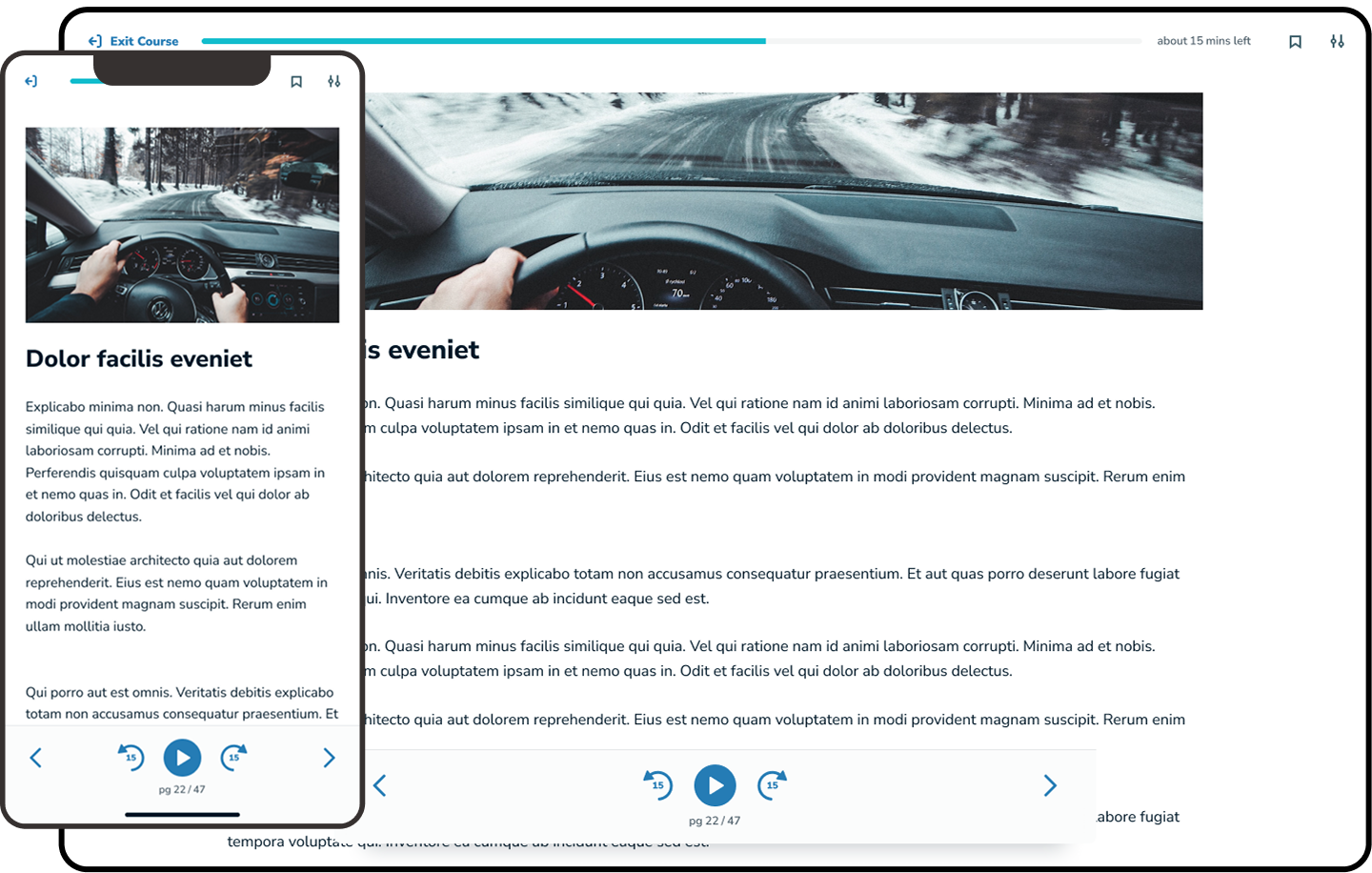
A flexible course player that supports voiceover, bookmarks, time estimates, and speed controls, adapting based on course, student purchased add-ons, and state-specific restrictions. and in-person classrooms.
Tools: Figma